
Shop logo
Color trace. Zoom in on the small lettering and check the gaps in the badge.
Color and transparency, traced into editable paths. Compare before you export.
Free preview · $6.99 per chosen SVG · No subscription
 Useful MintThe vector studio
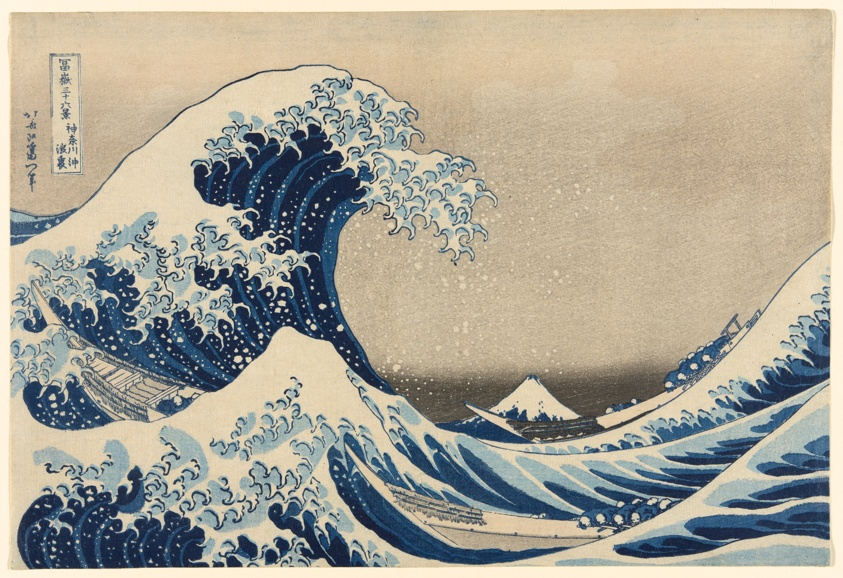
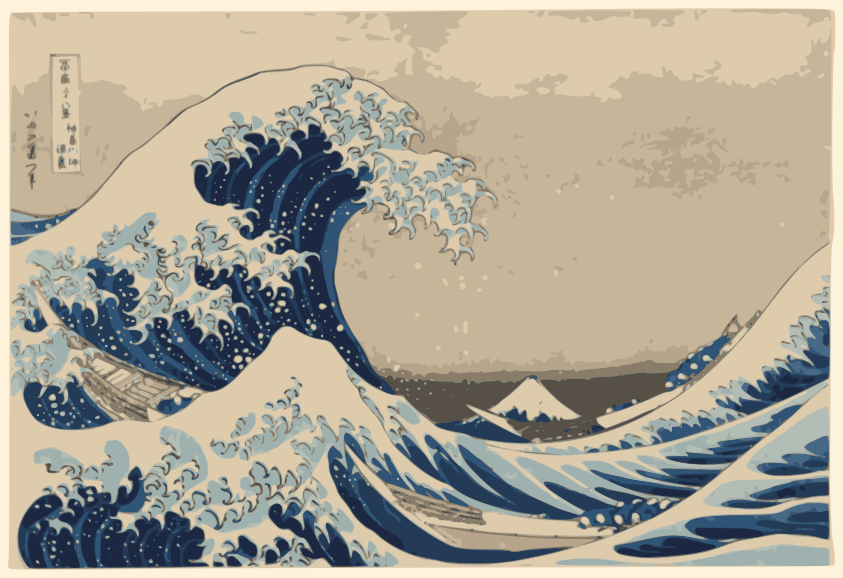
Compare the originals with their SVGs: Shop logo and Color & fine lines.
Color trace. Zoom in on the small lettering and check the gaps in the badge.
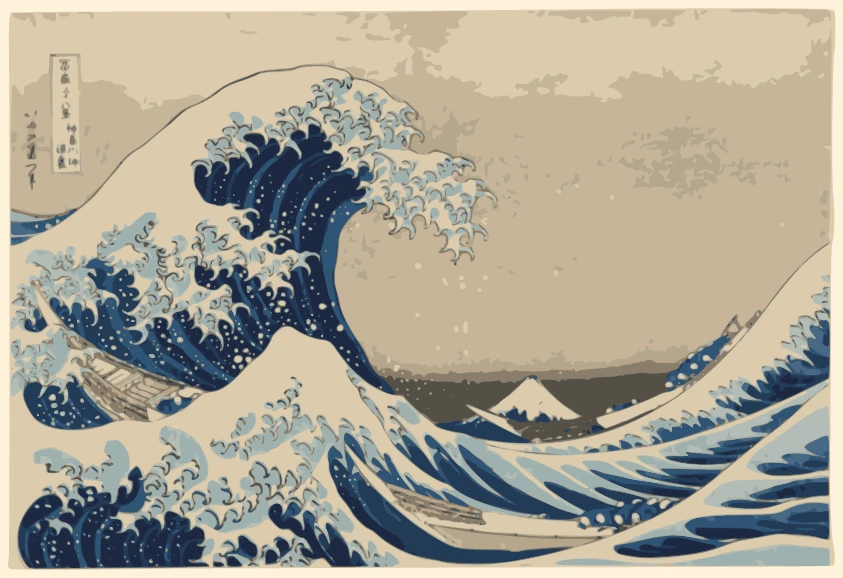
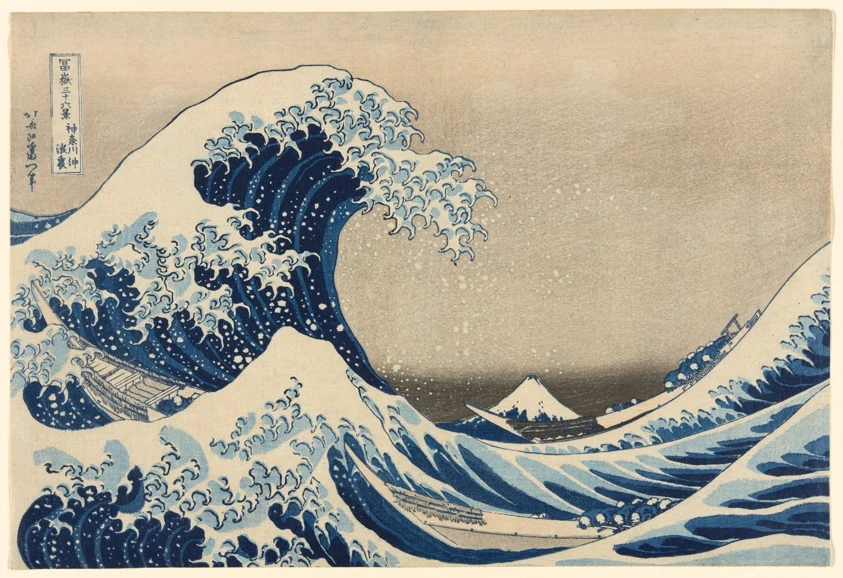
A detailed print, re-encoded as PNG. Zoom into the wave: small marks can merge into larger shapes.
Preview images are reduced raster renders. Download the SVG to inspect its full paths. Examples are public samples, not customer files.
A small owned mark tests transparent areas. This simple case checks alpha; it is not evidence of complex-image quality.
Inspect the SVG

A PNG stores a grid of pixels. Tracing replaces that grid with filled shapes described by curves, so the image stays sharp at any size and can be recolored in a vector editor.
The result is a new drawing of your image, not the same pixels in another file: edges become smooth curves and very small details are simplified.
Logos, icons, badges, stickers, flat illustrations and clip art: anything with clear edges and a limited number of colors. Detailed artwork like the Hokusai prints works too, but tiny marks merge into larger shapes.
Photographs become poster-like flat regions; see JPG to SVG for an example. For transparent artwork, see transparent PNG to SVG.
Scale it for print, signage or a website without blur; change colors or edit single shapes in Illustrator, Inkscape, Figma or Affinity. The file contains paths only, never your original PNG.
Start from the largest, sharpest original. A PNG that was once saved as a low-quality JPG keeps those artifacts, and they can turn into small extra shapes. Enlarging a blurry image first does not add detail.
An icon exported as a small PNG has few pixels per curve, so its corners can come back rounded. Upload the largest export you have; at least 512 px across is a good start.
Previews are free: up to 3 a day, each with a small watermark on the preview image only. The SVG you export costs US$6.99 per file, plus checkout tax, and has no watermark. There is no subscription and no charge until you choose a result.
Color mode groups the image into filled paths. Similar colors, gradients and tiny textures can merge. Inspect the actual preview before deciding to buy.
The engine handles transparency already present in a PNG. Preserving alpha is not automatic background removal, and translucent detail can simplify. Download the original and SVG in the transparency example to inspect it.
Useful Mint exports SVG paths rather than embedding the original PNG. Paths do not guarantee an accurate trace: small lettering becomes shapes and can distort. The structure checker below helps distinguish paths from image elements.
PNG/JPG up to 8 MB and 12 megapixels. Output longest edge: 1600 px. Up to 3 free previews per IP per UTC day, within site capacity. One reviewed SVG costs US$6.99, plus checkout tax; no subscription. Skill memberships are separate.
Uploads are private. Unpurchased previews expire after 24 hours; checkout files stay 7 days and payment extends access to at least 7 days. Access remains in the original browser. No cutting-machine, engraving, embroidery or BIMI compatibility is promised.
Private preview. Pay only for the result you choose.
The Great Wave · Cranes on snow-covered pine
The Hokusai prints come from the Art Institute of Chicago’s CC0 collection. PNGs are lossless re-encodings of its JPEG reproductions. The compressed JPG is a deliberately altered test input. The print examples were traced on November 17, 2026 in Color / Balanced. The badge and lettering are original Useful Mint artwork.
File provenance