
Laurel lettering
Black-and-white trace. Follow the narrow spaces between the laurel leaves.
Trace JPG / JPEG into paths. Check the edges, noise and details that change.
Free preview · $6.99 per chosen SVG · No subscription
 Useful MintThe vector studio
Compare the originals with their SVGs: Laurel lettering and Compressed JPG.
Black-and-white trace. Follow the narrow spaces between the laurel leaves.
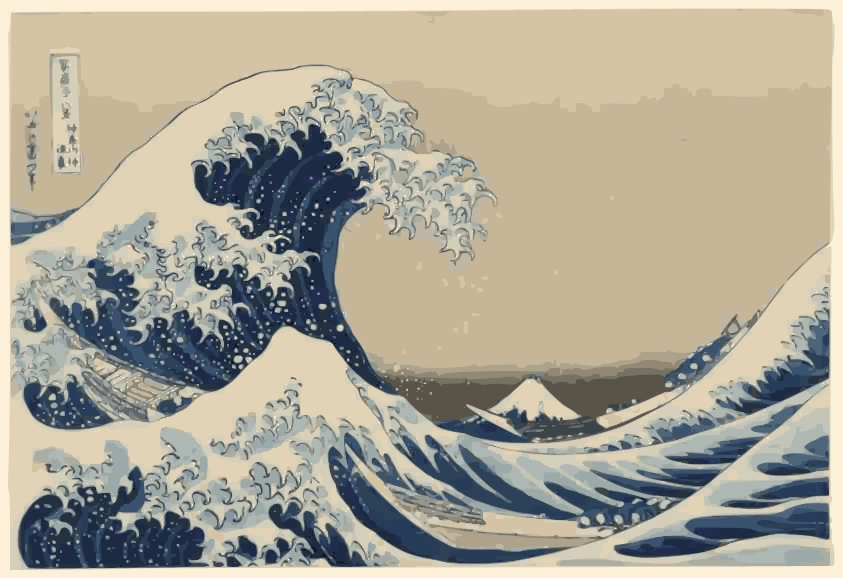
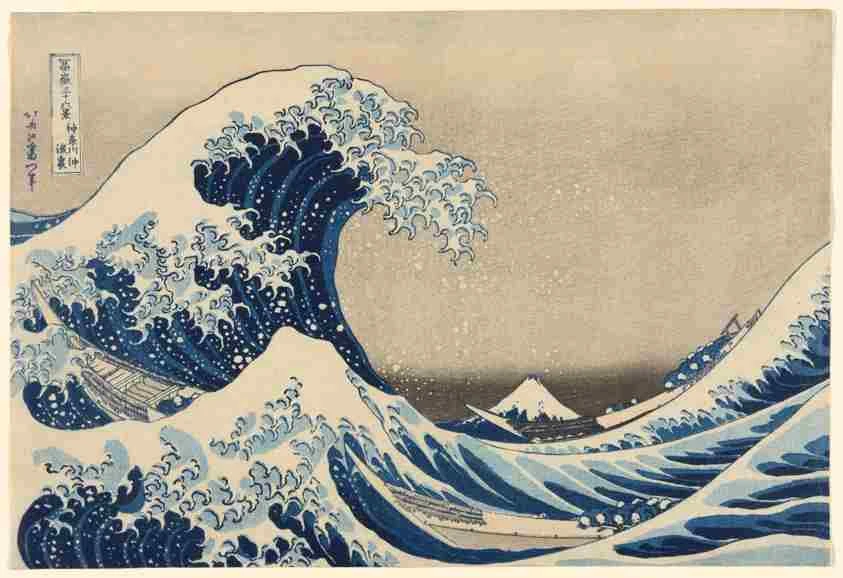
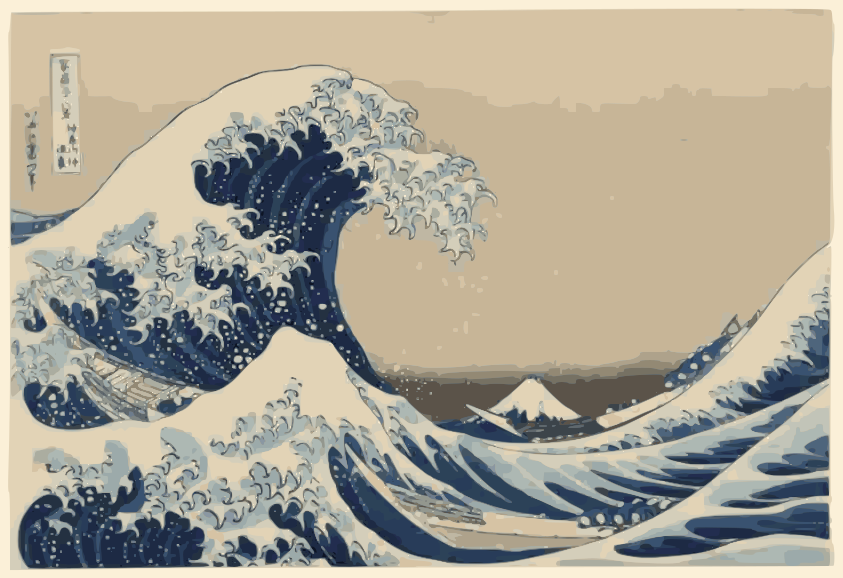
The print was deliberately saved at JPEG quality 18. Existing compression artifacts can become shapes; tracing cannot recover missing detail.
Preview images are reduced raster renders. Download the SVG to inspect its full paths. Examples are public samples, not customer files.
Saving a blurry JPG as PNG does not restore its detail. Start with the clearest source you have.
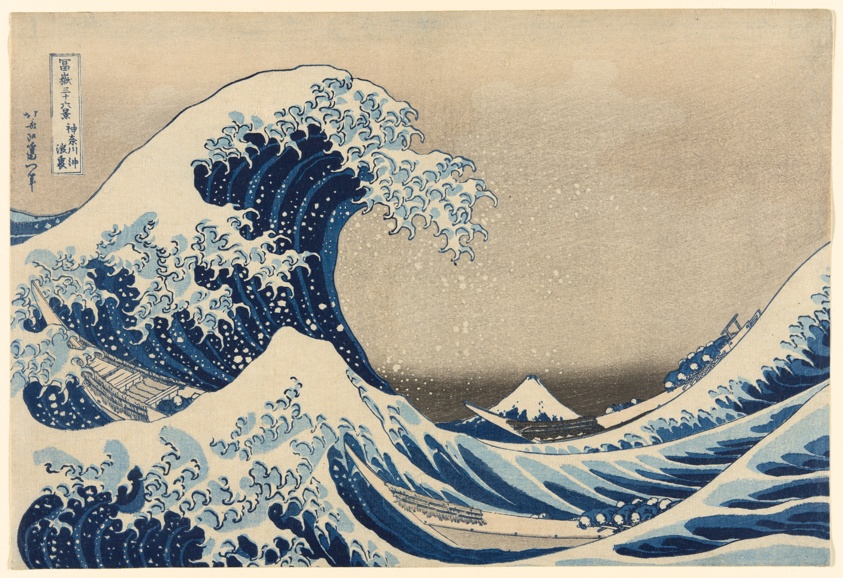
JPG saves space by discarding detail you rarely notice, which leaves faint blocks and halos around edges. Tracing has to decide which pixels are real edges. Useful Mint looks for the flat colors and strokes in the image and ignores most compression noise, but it cannot restore detail the compression removed.
A logo exported as JPG is still a good candidate: upload it directly, with no need to convert it to PNG first. Small colored lettering may come out a little muted or merge with its neighbors; zoom in on it before you buy. If you have the original PNG or design file, use that instead.
A photo becomes a poster-style image of flat color regions. That can suit a stylized print, but it is not a lossless replacement; the Earthrise example shows the trade-off.
Use the least-compressed version you have and avoid screenshots of screenshots. Crop away borders you do not need. Smooth removes small specks caused by noise; Detailed keeps thin lines.
If both exist, upload the PNG: it has no compression noise and can carry transparency. Converting a JPG to PNG yourself first changes nothing, because the noise is already in the pixels.
Previews are free: up to 3 a day, each with a small watermark on the preview image only. The SVG you export costs US$6.99 per file, plus checkout tax, and has no watermark. There is no subscription and no charge until you choose a result.
Both extensions use the same JPEG decoding workflow here. You do not need to rename or convert the file to PNG first. Review the actual preview before purchasing that result.
It cannot recover information already missing from the source. Tracing can simplify an edge or turn noise into extra shapes. Start with a clear original; the compressed example deliberately shows the limitations.
It is not a lossless replacement. Continuous tones become filled regions. Logos, illustrations and clearer silhouettes are often better tracing subjects; use the photograph example to judge your intended use.
PNG/JPG up to 8 MB and 12 megapixels. Output longest edge: 1600 px. Up to 3 free previews per IP per UTC day, within site capacity. One reviewed SVG costs US$6.99, plus checkout tax; no subscription. Skill memberships are separate.
Uploads are private. Unpurchased previews expire after 24 hours; checkout files stay 7 days and payment extends access to at least 7 days. Access remains in the original browser. No cutting-machine, engraving, embroidery or BIMI compatibility is promised.
Private preview. Pay only for the result you choose.
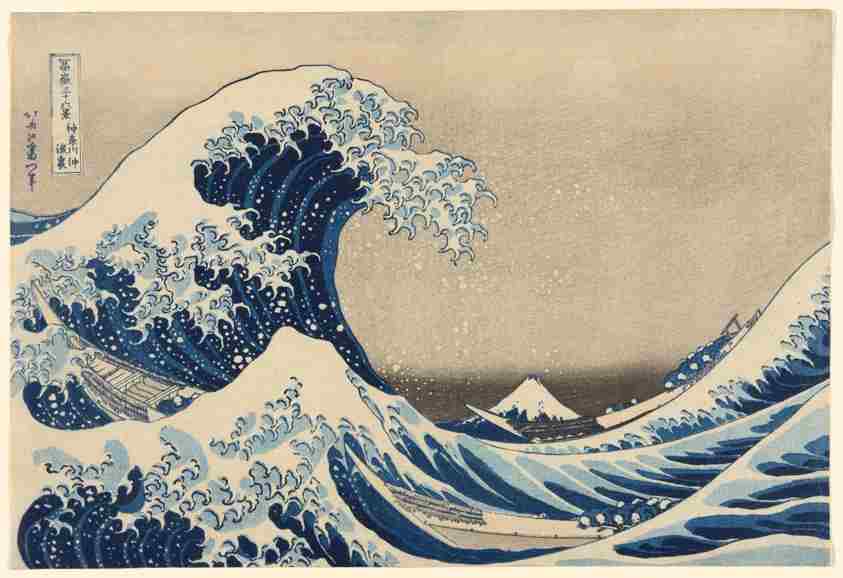
The Great Wave · Cranes on snow-covered pine
The Hokusai prints come from the Art Institute of Chicago’s CC0 collection. PNGs are lossless re-encodings of its JPEG reproductions. The compressed JPG is a deliberately altered test input. The print examples were traced on November 17, 2026 in Color / Balanced. The badge and lettering are original Useful Mint artwork.
Earthrise: NASA / Apollo 8, December 24, 1968; resized reference image, with no endorsement implied. NASA source · Image-use guidance
File provenance