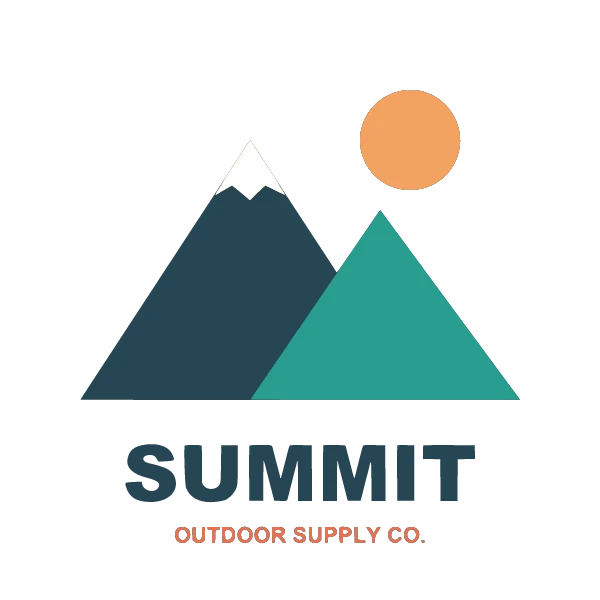
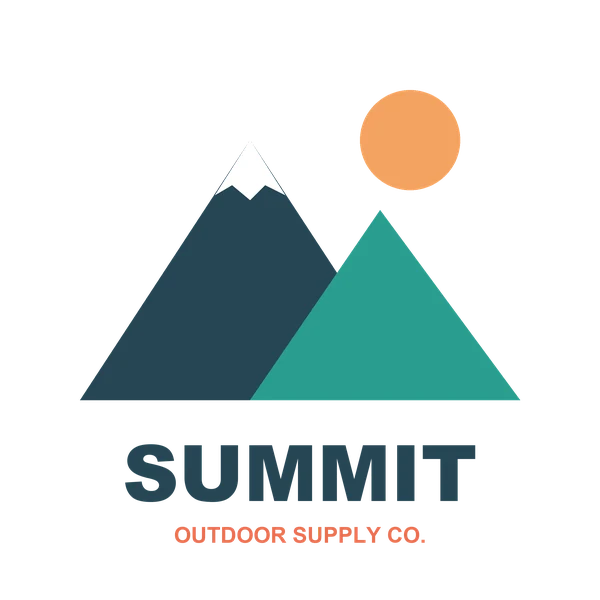
Cutout logo
Only the mountains, sun and lettering become paths: five shapes and no background, so the page shows through.
Empty areas stay empty, and soft shadows stay see-through. Preview free, then export the file you checked.
Free preview · $6.99 per chosen SVG · No subscription
 Useful MintThe vector studio
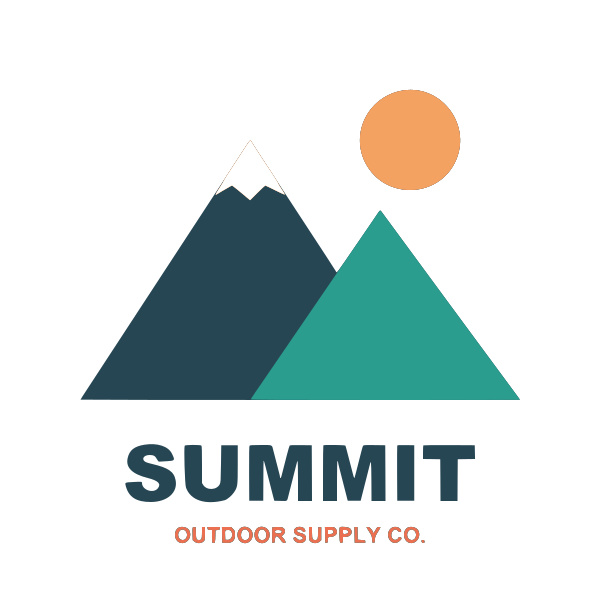
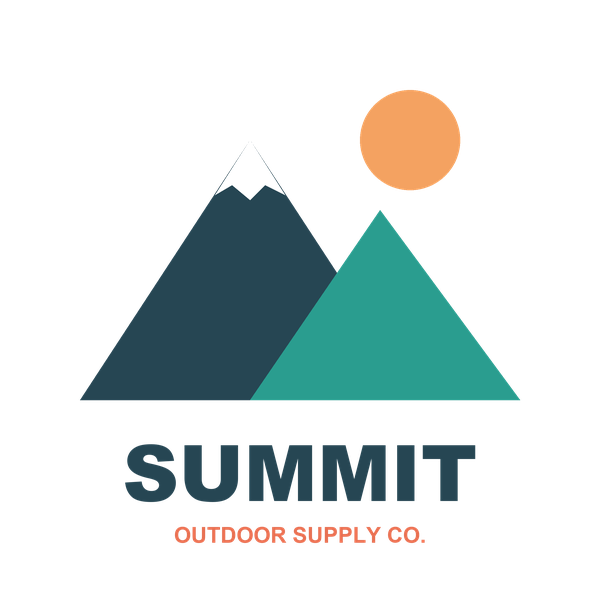
Drag across a cutout logo and a sticker with a soft shadow, then download both files to check them on your own background.
Only the mountains, sun and lettering become paths: five shapes and no background, so the page shows through.


The shadow becomes see-through layers with fill-opacity. Zoom in: a smooth fade turns into visible steps.
Preview images are reduced renders. Download the SVG to inspect its full paths. Examples are test material, not customer files.
A PNG can store transparency: pixels that are fully or partly see-through. Useful Mint reads that alpha channel before tracing. Fully transparent pixels are never painted, so the SVG has no background rectangle and no white box around your artwork.
The outline of a cutout follows the edge of the visible pixels. Broad semi-transparent areas, such as a drop shadow or a glow, are drawn as separate shapes with fill-opacity, so they stay see-through over any color.
A PNG that already has a transparent background. Export it from your design app with transparency switched on, then check it on a dark page or a checkerboard: the background should disappear.
A JPG cannot hold transparency, and a PNG with a white background baked in keeps that background as a filled shape. Remove the background in your editor first. For one-color artwork, Black & white mode leaves out white areas entirely.
Place it on a website, a slide, a mockup or a product page: the page color shows through the empty areas. It scales to any size without revealing pixels, because the file contains paths only, not your PNG.
Open it in Illustrator, Inkscape, Figma or Affinity to recolor shapes. Each color is usually one filled path, and each shadow step is another path with its own fill-opacity.
Soft shadows and glows become a few opacity steps rather than a smooth gradient, as the HELLO sticker shows. A thin, blurred glow can disappear entirely.
Hair, fur, smoke and photographs with partial transparency are simplified into flat shapes. Very small lettering can lose detail; check it zoomed in before you buy.
Some converters place the original PNG inside an SVG file. It looks the same, but it is still pixels and blurs when enlarged. Useful Mint exports real paths, and you can check any SVG with the free structure checker.
Many free tracers output a single color, drop transparency or add a white background. Here you see the actual result first and pay only for a file you chose.
No. It keeps the transparency your PNG already has. Removing a background is a separate step: do it first, then upload the result.
Shadows use fill-opacity, a standard SVG 1.1 attribute that browsers, design apps and macOS Preview display. Software that ignores transparency, such as some cutting-machine apps, may show the shadow as a solid shape; no cutting-machine compatibility is promised.
Previews are free: up to 3 a day, each with a small watermark on the preview image only. The SVG you export costs US$6.99 per file, plus checkout tax, and has no watermark. There is no subscription and no charge until you choose a result.
PNG/JPG up to 8 MB and 12 megapixels. Output longest edge: 1600 px. Up to 3 free previews per IP per UTC day, within site capacity. One reviewed SVG costs US$6.99, plus checkout tax; no subscription. Skill memberships are separate.
Uploads are private. Unpurchased previews expire after 24 hours; checkout files stay 7 days and payment extends access to at least 7 days. Access remains in the original browser. No cutting-machine, engraving, embroidery or BIMI compatibility is promised.
Private preview. Pay only for the result you choose.
Both examples are original Useful Mint test artwork from the engine's regression set: a fictional outdoor brand and a sticker drawn for transparency testing. They were traced on November 25, 2026 in Full color / Balanced with the production engine.
File provenance