Signature photo
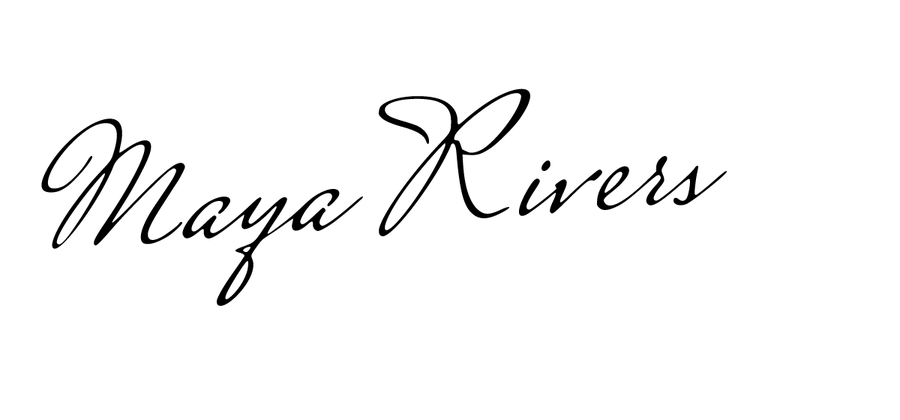
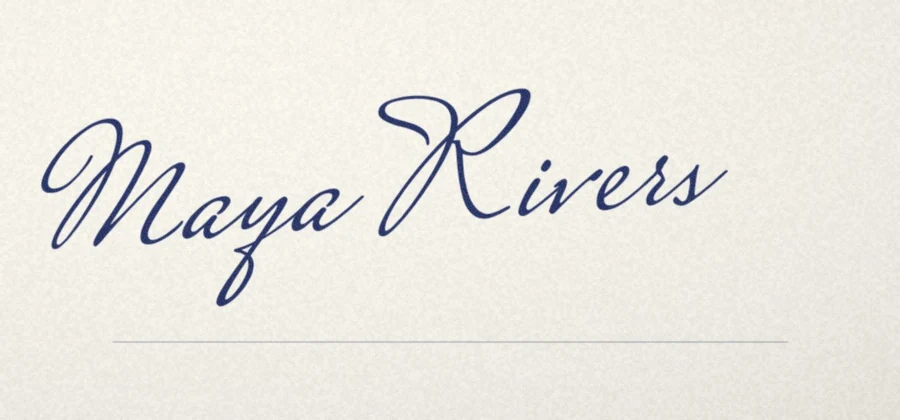
Blue ballpoint on paper. Black & white keeps every stroke and leaves out the paper and the faint signing line.
Photograph your signature on white paper. The paper drops away and the ink becomes one clean path.
Free preview · $6.99 per chosen SVG · No subscription
 Useful MintThe vector studio
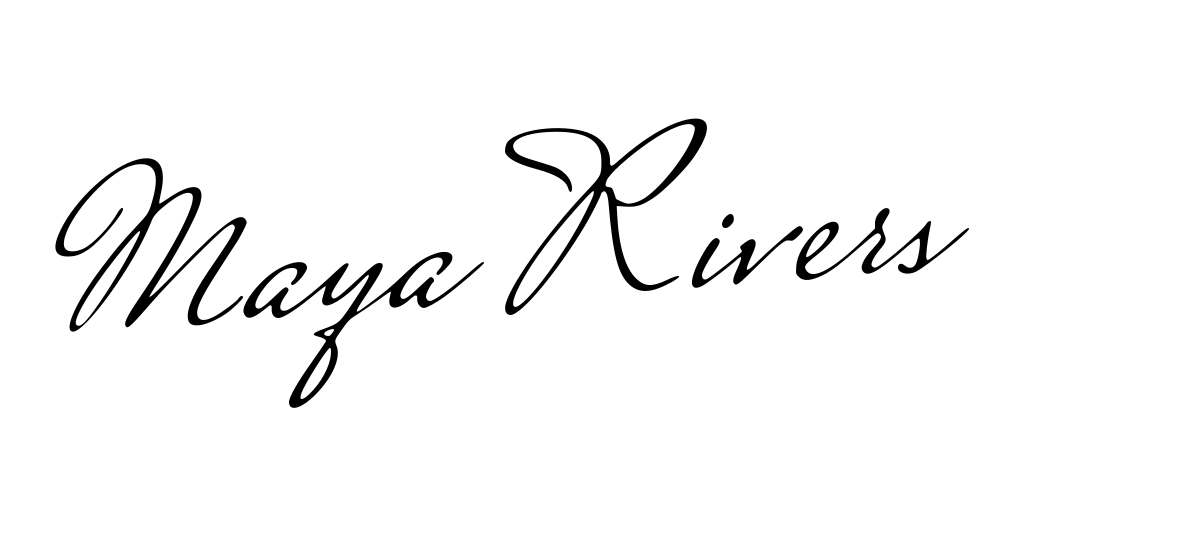
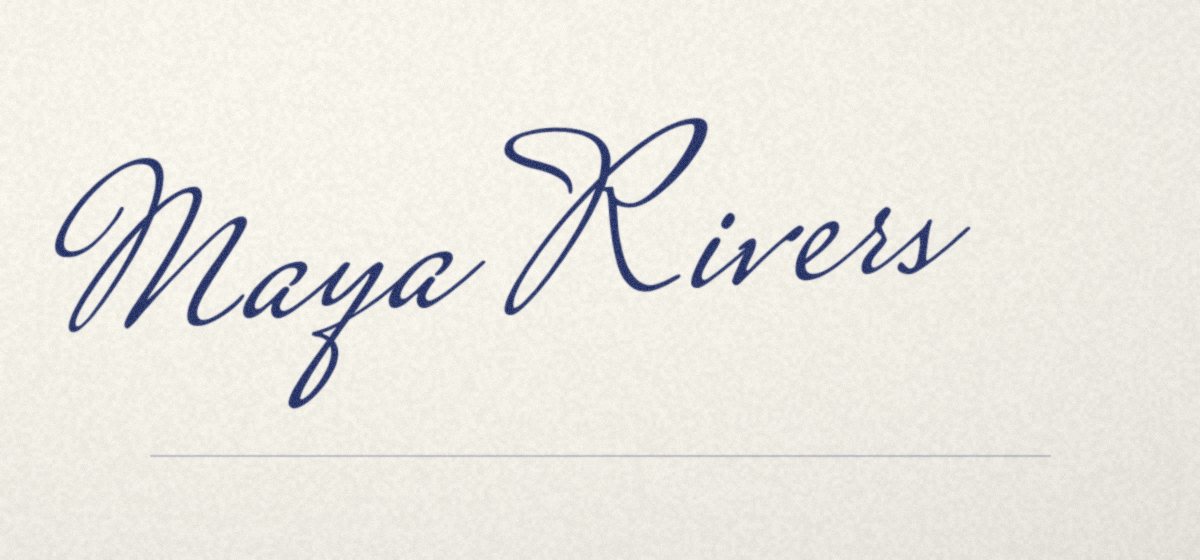
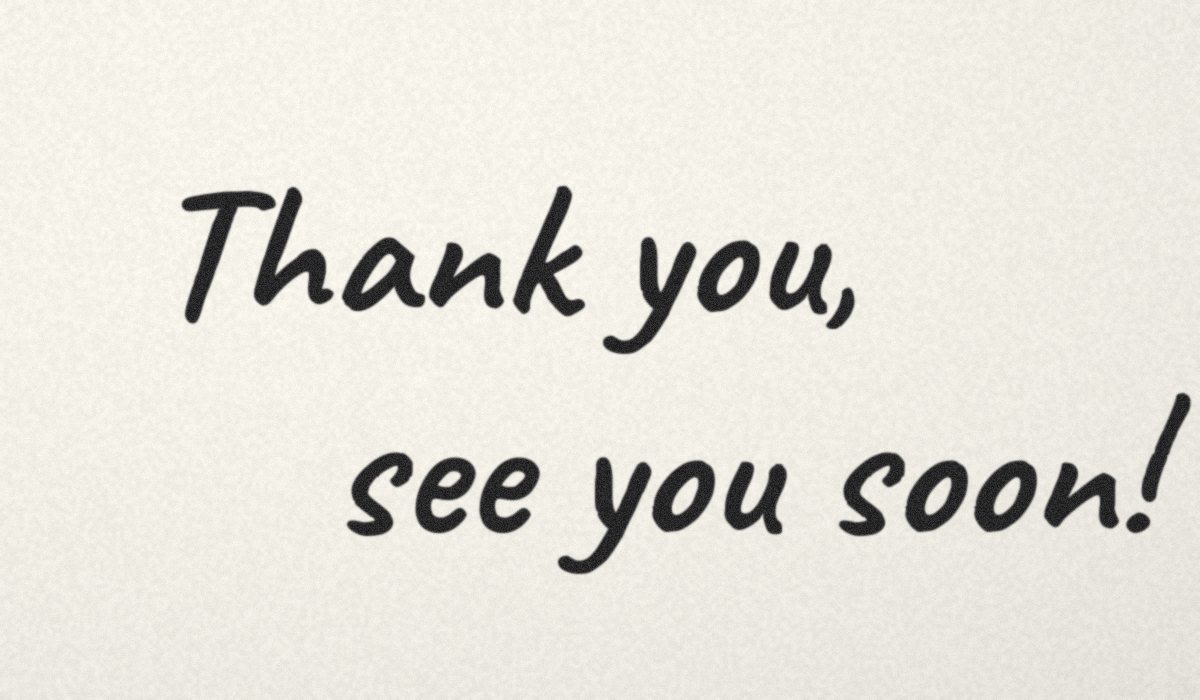
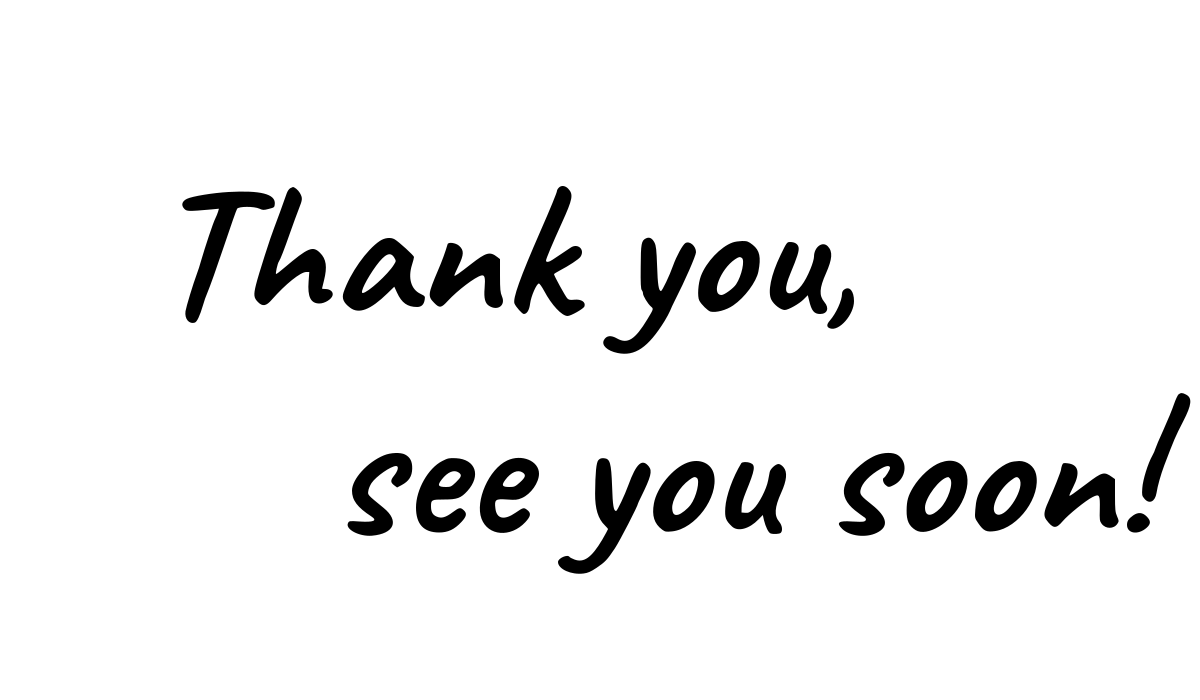
Drag across a signature photographed on paper and a handwritten note, then download the SVGs.
Blue ballpoint on paper. Black & white keeps every stroke and leaves out the paper and the faint signing line.
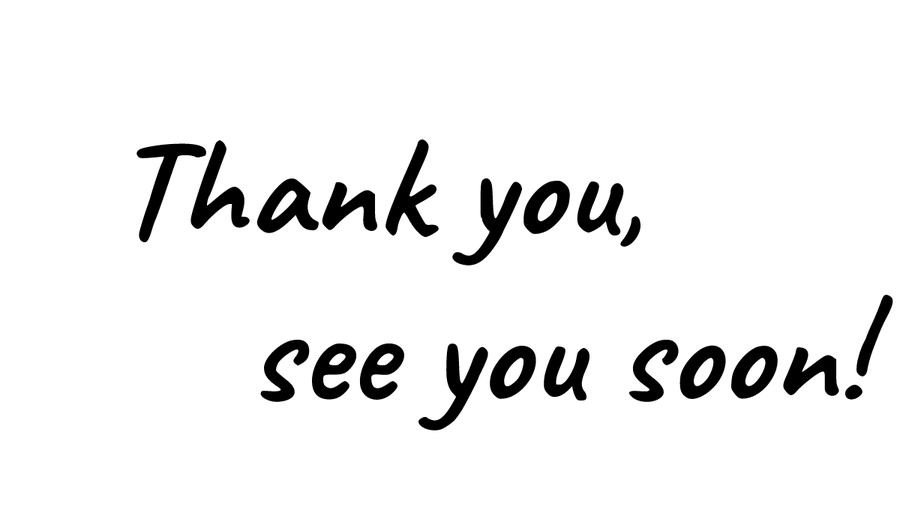
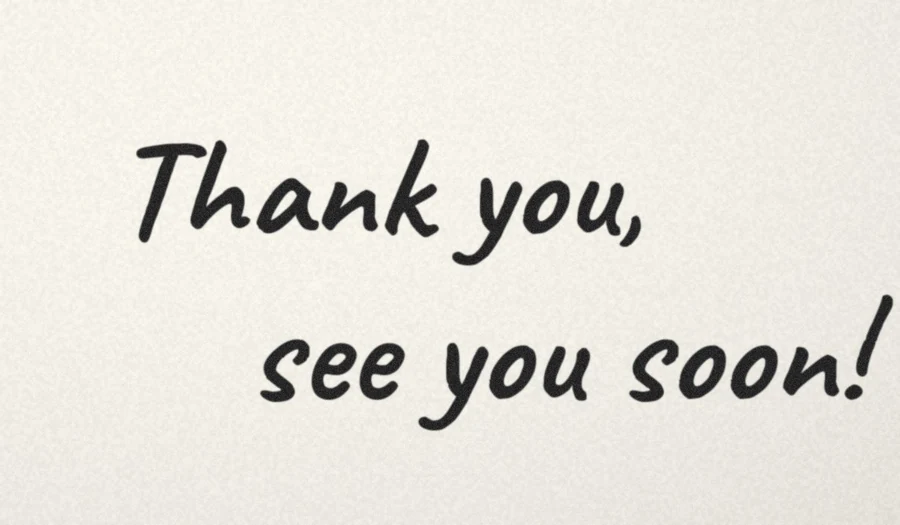
Marker on paper. Every letter becomes part of one path you can scale for a card, a sign or a website.
Preview images are reduced renders. Download the SVG to inspect its full paths. Examples are test material, not customer files.
An SVG of your signature: the ink as one filled path on a transparent background. It scales to any size without blurring, and you can give it any color in a design app.
Sign with a dark pen or marker on plain white paper. Photograph it straight on in daylight, so the paper is evenly lit without shadows, and fill the frame with the signature. A scan works even better.
Ballpoint works; a broader pen gives smoother strokes. Avoid lined or patterned paper.
Websites, email footers that accept images, letterheads, cards, brand marks and documents made in apps that import SVG. Because it is a vector, it stays sharp in print at any size.
To change the ink color, open it in Illustrator, Inkscape, Figma or Affinity and set a new fill on the single path.
Black & white outputs black ink; recolor it afterwards. Full color mode keeps the ink color, but it also keeps the paper as a filled background.
Pencil, faint ballpoint, lined paper and strong shadows can leave gaps or specks. The trace follows the edges of your ink, so it is an outline of each stroke, not a pen path a plotter could redraw.
Uploads are private and are not used for training. A preview you do not buy expires after 24 hours; checkout and paid files are kept at least 7 days and opened from the same browser. The examples on this page are a fictional name and phrase written in handwriting fonts, not anyone's real signature.
Either works. A flatbed scan gives even light and sharper edges, so strokes come out smoother. With a phone, hold it parallel to the paper, turn off the flash and avoid your own shadow; tap to focus on the ink.
Previews are free: up to 3 a day, each with a small watermark on the preview image only. The SVG you export costs US$6.99 per file, plus checkout tax, and has no watermark. There is no subscription and no charge until you choose a result.
It is an image of your signature. Whether it is accepted on a document depends on that document and the law where you sign; this tool does not create a certified electronic signature.
PNG/JPG up to 8 MB and 12 megapixels. Output longest edge: 1600 px. Up to 3 free previews per IP per UTC day, within site capacity. One reviewed SVG costs US$6.99, plus checkout tax; no subscription. Skill memberships are separate.
Uploads are private. Unpurchased previews expire after 24 hours; checkout files stay 7 days and payment extends access to at least 7 days. Access remains in the original browser. No cutting-machine, engraving, embroidery or BIMI compatibility is promised.
Private preview. Pay only for the result you choose.
Both examples are Useful Mint test material: the fictional name “Maya Rivers” set in Mrs Saint Delafield and the phrase set in Caveat (both SIL Open Font License), placed on a generated paper texture to imitate a phone photo. They were traced on November 25, 2026 in Black & white / Balanced with the production engine.
File provenance