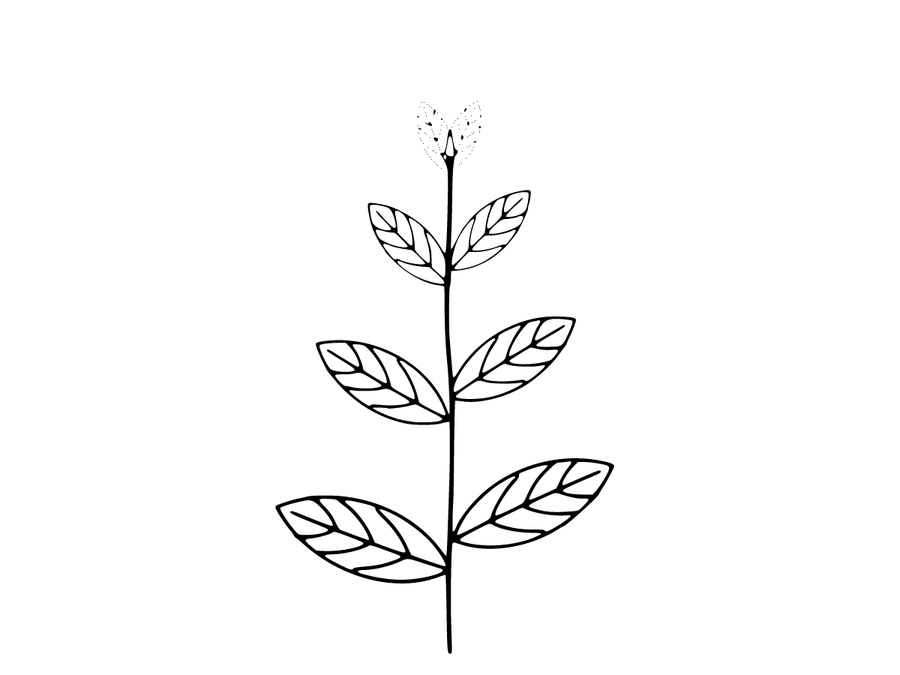
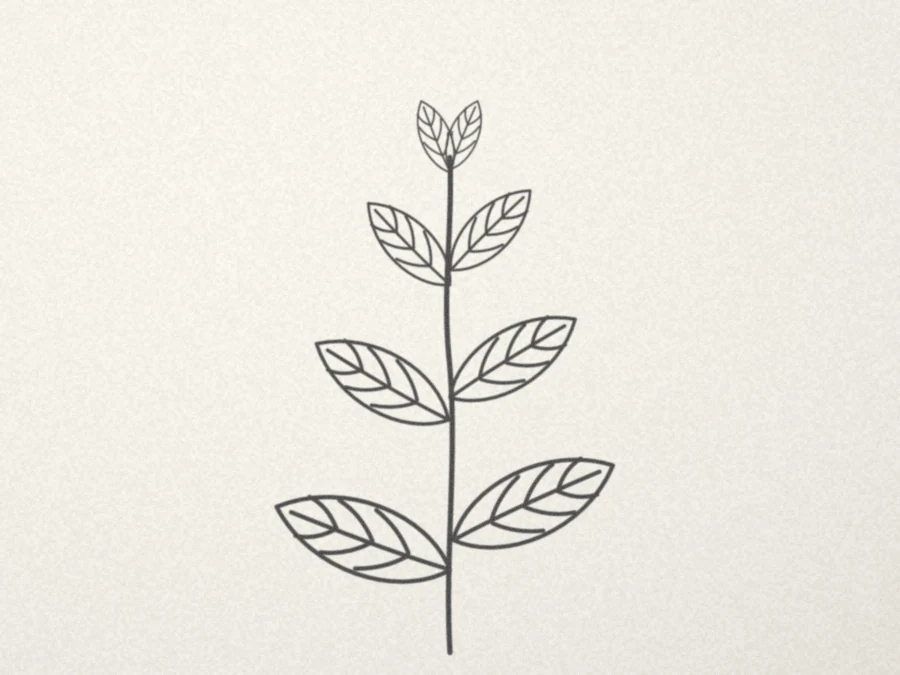
Pen sketch on paper
Leaf outlines and veins survive. The tiny leaves at the top merge into dots: draw small details larger.
Ink drawings, sketches and outlines become clean paths. The paper drops away; the lines stay sharp at any size.
Free preview · $6.99 per chosen SVG · No subscription
 Useful MintThe vector studio
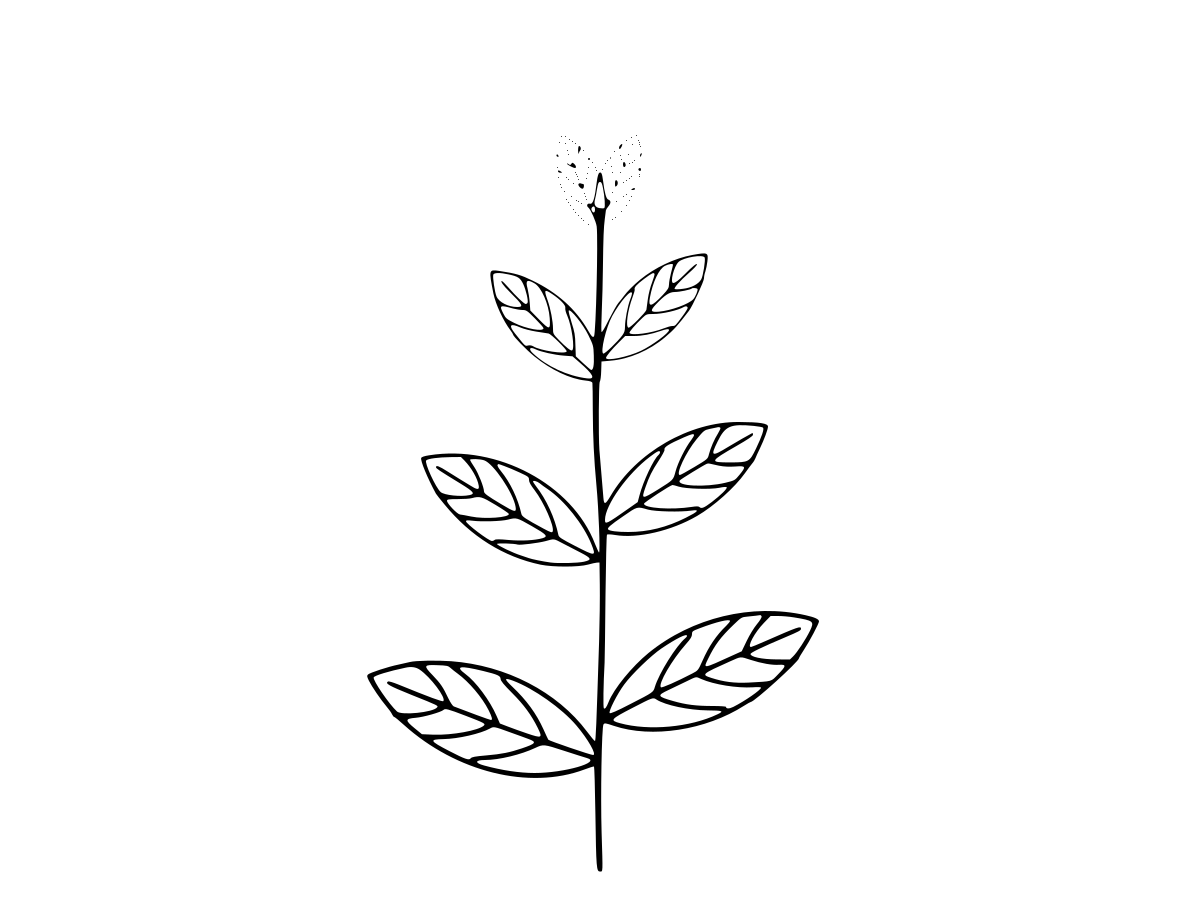
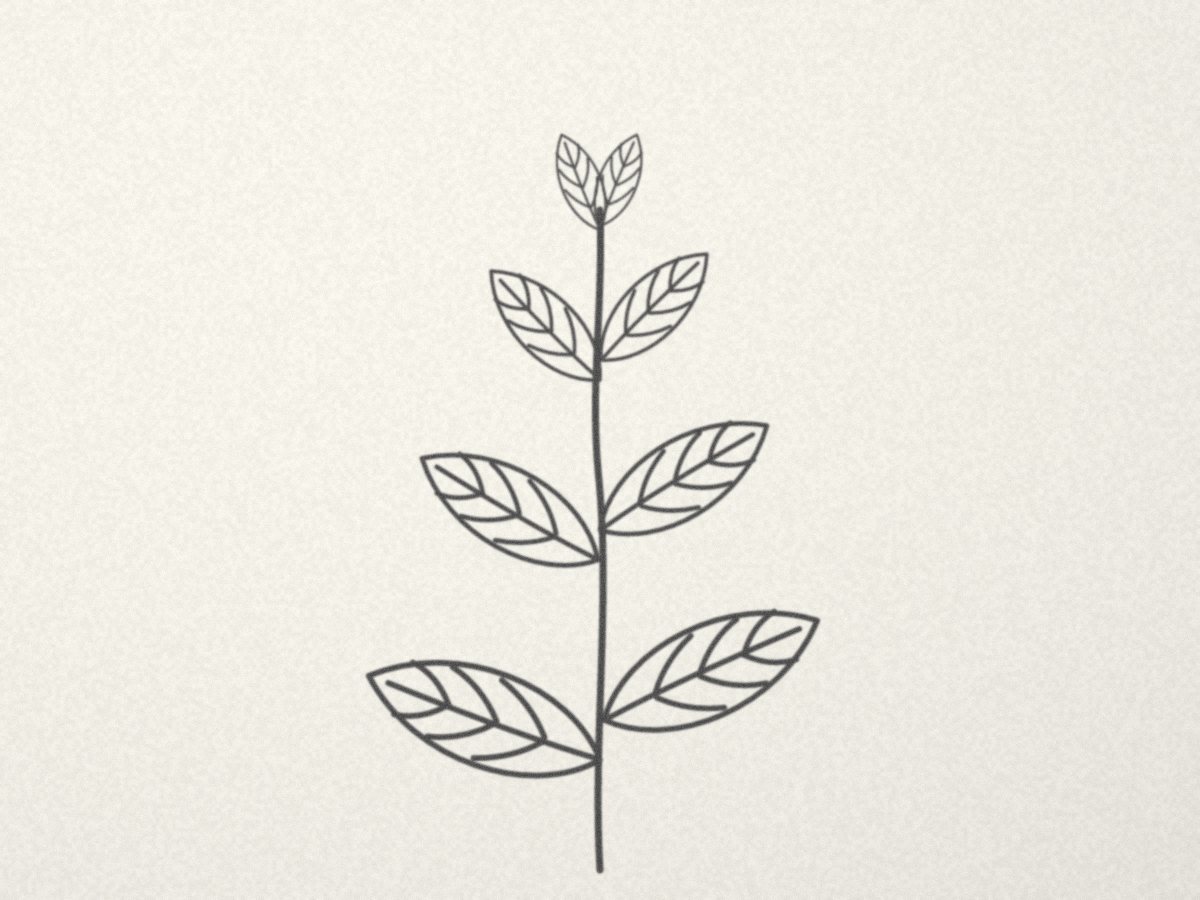
Drag across a pen sketch photographed on paper and a black-and-white laurel drawing, then download both SVGs.
Leaf outlines and veins survive. The tiny leaves at the top merge into dots: draw small details larger.
A black-and-white laurel drawing. Follow the narrow gaps between the leaves.
Preview images are reduced renders. Download the SVG to inspect its full paths. Examples are test material, not customer files.
Black & white mode separates ink from paper, then traces the ink as one filled shape. Lines become smooth outlines that stay sharp at any size. Paper, shadows and texture are left out, so the background is transparent.
Ink, felt-tip or marker on white paper works best; go over pencil lines in ink if you can. Photograph it straight on in even light, or scan it, and crop to the drawing.
Thicker lines survive better than hairlines, and details need some room: a leaf vein a few pixels wide in your photo is the limit of what can be traced.
Print it at poster size, use it on a website, color it in Illustrator, Inkscape, Figma or Affinity, or turn it into a pattern or a logo.
Because each line becomes a filled outline, you can recolor it or fill closed areas, but you cannot change its line weight the way you would a stroke.
Pencil shading, hatching and smudges either fill in or break into speckles. Very small details merge, as the top leaves of the sketch show.
Colored lines become black. Full color mode keeps them, together with the paper as a background.
Balanced suits most drawings. Detailed keeps thin and irregular lines closer to the original. Smooth rounds shaky lines and removes more specks, at the cost of fine detail.
Export the drawing as a large PNG on a white or transparent background, without paper texture, and upload it as it is. Digital lines trace more cleanly than a photo of paper because there is no grain or uneven light.
Previews are free: up to 3 a day, each with a small watermark on the preview image only. The SVG you export costs US$6.99 per file, plus checkout tax, and has no watermark. There is no subscription and no charge until you choose a result.
The SVG contains filled outlines of your lines, not center-line strokes. Plotters and some laser or cutting software expect single strokes and will follow both edges of each line; no cutting, engraving or plotting compatibility is promised. Check any SVG's structure with the free structure checker.
PNG/JPG up to 8 MB and 12 megapixels. Output longest edge: 1600 px. Up to 3 free previews per IP per UTC day, within site capacity. One reviewed SVG costs US$6.99, plus checkout tax; no subscription. Skill memberships are separate.
Uploads are private. Unpurchased previews expire after 24 hours; checkout files stay 7 days and payment extends access to at least 7 days. Access remains in the original browser. No cutting-machine, engraving, embroidery or BIMI compatibility is promised.
Private preview. Pay only for the result you choose.
The mint sprig is an original Useful Mint pen drawing, made as SVG strokes and placed on a generated paper texture to imitate a phone photo; its source is in the conversion record. The laurel is an original Useful Mint design. The sprig was traced on November 25, 2026 and the laurel on November 19, 2026, both in Black & white / Balanced.
File provenance