

Flat illustration
Ten colors in, ten paths out. Eight come back with the exact hex value; the two greens are one step off.
Each color becomes its own filled path. Compare the result with your original, then export the file you choose.
Free preview · $6.99 per chosen SVG · No subscription
 Useful MintThe vector studio


Drag across a ten-color illustration and a four-color badge, then download the SVGs to recolor them.
Ten colors in, ten paths out. Eight come back with the exact hex value; the two greens are one step off.
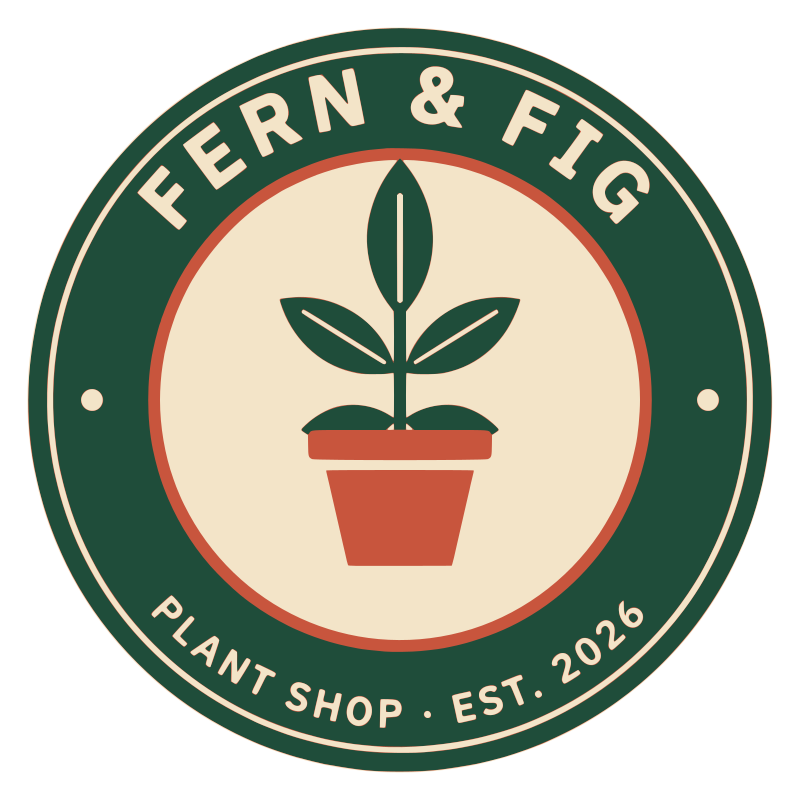
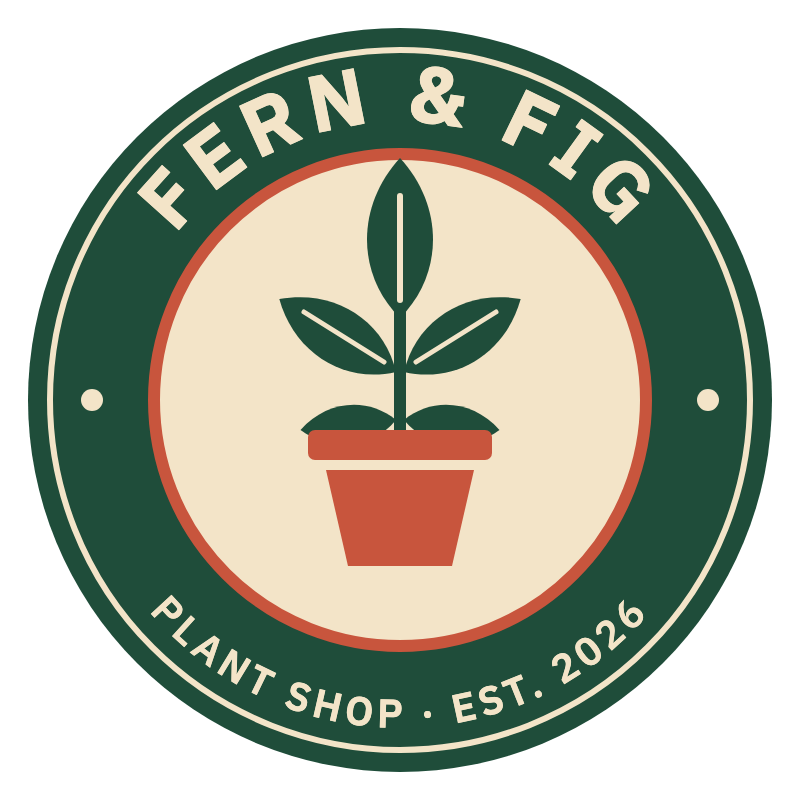
Four inks, four paths. Zoom into the small lettering and the gaps inside the letters.
Preview images are reduced renders. Download the SVG to inspect its full paths. Examples are test material, not customer files.
Full color mode finds the distinct inks in your image, the flat colors a logo or illustration is made of, and traces each one as a filled shape. Most flat images come out as one path per color, which makes recoloring easy.
Colors are stacked: lighter shapes sit on top of darker ones, which extend underneath them, so there are no hairline gaps between neighbors.
Logos, icons, badges, stickers, flat illustrations and clip art with clear areas of color work best. PNG or JPG, up to 8 MB and 12 megapixels.
Use the largest, sharpest version you have. Tracing cannot add detail that the pixels do not contain, and colors from a heavily compressed file come back slightly shifted.
In Illustrator, Inkscape, Figma or Affinity, select a shape and change its fill. Because each color is usually one path, one change recolors that ink everywhere it appears.
The hex values come from the image itself, so a color can shift by a step or two where the PNG was anti-aliased or compressed. Retype brand colors if they must match exactly.
Gradients become bands of flat color. Similar shades, such as two greens a few steps apart, can merge into one. A thin outline of a third color between two shapes can be absorbed; check it zoomed in.
Photographs and shaded artwork become many flat regions. See JPG to SVG for a photograph example.
Full color keeps every ink, including the background color of an image without transparency. Black & white traces only the dark parts and leaves the background out: use it for one-color logos, signatures and line art.
Close, not identical: tracing replaces pixels with smooth curves. That is why you see the actual result before paying, and why you pay only for a file you chose.
Each color is a separate path in one SVG file, and editors show them as separate objects. They overlap rather than being cut out of each other, which matters if you plan separate vinyl layers; no cutting-machine compatibility is promised.
Previews are free: up to 3 a day, each with a small watermark on the preview image only. The SVG you export costs US$6.99 per file, plus checkout tax, and has no watermark. There is no subscription and no charge until you choose a result.
PNG/JPG up to 8 MB and 12 megapixels. Output longest edge: 1600 px. Up to 3 free previews per IP per UTC day, within site capacity. One reviewed SVG costs US$6.99, plus checkout tax; no subscription. Skill memberships are separate.
Uploads are private. Unpurchased previews expire after 24 hours; checkout files stay 7 days and payment extends access to at least 7 days. Access remains in the original browser. No cutting-machine, engraving, embroidery or BIMI compatibility is promised.
Private preview. Pay only for the result you choose.
The potted plant is an original Useful Mint test illustration, drawn as SVG and rendered to PNG; its source is in the conversion record. The badge is an original Useful Mint design for a fictional shop. The plant was traced on November 25, 2026 and the badge on November 19, 2026, both in Full color / Balanced.
File provenance